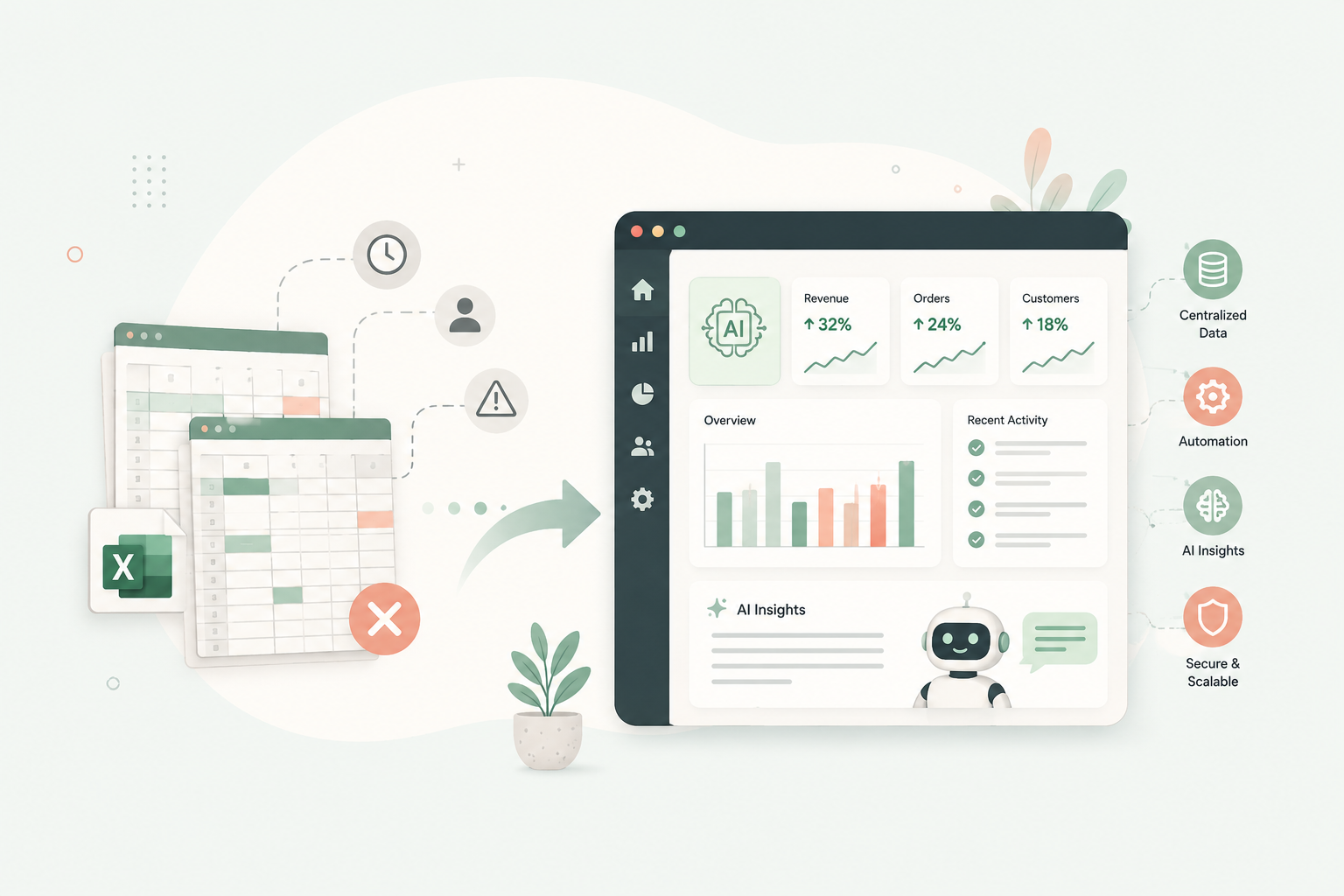
Spreadsheets are useful for managing data, tracking tasks, and organizing business operations. But as a business grows, they can become difficult to maintain, automate, and scale. AI powered custom business software can help businesses reduce manual work, connect disconnected systems, and make better use of their data.
The challenge is knowing when spreadsheets are still sufficient and when a more structured solution makes sense.
In this guide, we explain the warning signs that your business has outgrown spreadsheets, how AI powered custom software can improve everyday operations, and how to decide whether spreadsheet automation, ready made software, or a custom application is the right investment.
What Is AI Powered Custom Business Software?
AI-powered custom business software is an application developed around a company’s specific workflows, with artificial intelligence features that help automate tasks, process information, identify patterns, or support decision-making.
Unlike a general purpose spreadsheet, a custom application can combine business data, user permissions, automated workflows, reporting, and integrations within a single system.
For example, a business might replace separate spreadsheets for customer records, sales tracking, and reporting with one centralized application. AI features could then help summarize customer interactions, extract information from documents, or generate reports from approved business data.
Not every business needs AI. The right solution depends on the complexity of its processes, the volume of work, and the problems it needs to solve.
1. Seven Signs Your Business Has Outgrown Spreadsheets
Spreadsheets rarely become a problem overnight. The difficulties usually appear as teams, customers, transactions, and operational requirements increase.
Here are seven signs that it may be time to consider a more structured solution.
1. Your Team Spends Too Much Time on Manual Data Entry
If employees regularly copy information between spreadsheets, emails, forms, and other applications, valuable working hours can disappear into repetitive tasks.
Manual processes also increase the possibility of duplicate records, missing information, and inconsistent data.
How custom software helps: A centralized application can collect information through forms, synchronize connected systems, and automate repetitive data transfers. AI can assist with extracting information from invoices, documents, and emails when the information is suitable for automated processing.
2. Multiple Versions of the Same Spreadsheet Create Confusion
When different employees maintain their own copies of a spreadsheet, it becomes difficult to identify which version contains the latest information.
This can affect sales forecasts, inventory records, financial reporting, project tracking, and customer information.
How custom software helps: A centralized database provides a consistent source of information. Role based permissions and change histories can help teams manage access and understand who changed important records.
3. Reports Take Hours to Prepare
If your team must combine several files, check formulas, remove duplicates, and manually prepare management reports, reporting can become a recurring operational burden.
By the time the report is ready, the information may already be outdated.
How custom software helps: Automated dashboards can bring together relevant information and update reports as new data arrives. AI can help summarize trends, explain unusual changes, or let authorized users ask questions about business performance in natural language.
AI-generated insights should still be checked against the underlying data, particularly when they influence financial or operational decisions.
4. Your Business Depends on a Few Employees Who Know How Everything Works
Some spreadsheet based processes depend on one employee who understands the formulas, hidden columns, special rules, and manual steps.
When that person is unavailable or leaves the organization, maintaining the process becomes difficult.
How custom software helps: Business rules can be documented and implemented in a structured application. Automated workflows, validation rules, and clear user interfaces reduce dependence on individual employees remembering every step.
5. You Cannot Easily Connect Your Business Tools
Your company may use one system for customer relationships, another for accounting, separate spreadsheets for operations, and email for approvals.
When these tools do not communicate, employees become the link between systems.
How custom software helps: Custom applications can integrate with existing platforms through APIs and other supported connections. This helps information move between systems without unnecessary manual intervention.
AI can also help process unstructured information from supported sources, but it does not replace the need for reliable integrations and clear data rules.
6. Your Processes Become More Complicated as You Grow
A spreadsheet that works for a small team may become difficult to manage when the business adds employees, locations, products, customers, or approval requirements.
Complex formulas, permissions, and dependencies can make the file increasingly fragile.
How custom software helps: A properly designed application can support multiple users, structured records, defined workflows, access controls, and future integrations. The architecture should be selected according to expected usage and actual business requirements.
7. You Have Limited Control Over Access and Accountability
Spreadsheets can offer sharing permissions and version history, but they may not provide the level of control required for sensitive or business-critical processes.
For example, a company may need different employees to view, approve, edit, or export different types of information.
How custom software helps: A custom system can implement role-based access, approval workflows, audit logs, and other controls appropriate to the business. Security still depends on proper implementation, configuration, testing, and maintenance.
If several of these problems occur regularly, it may be time to evaluate alternatives to spreadsheet-based operations.
2. How AI Powered Custom Software Improves Business Operations
Moving away from spreadsheets does not automatically make a business more efficient. The real opportunity comes from redesigning workflows and removing unnecessary manual work.
AI can add another layer of value when it is applied to tasks involving large amounts of information, repetitive decisions, or unstructured data.
Automating Repetitive Workflows
Custom software can automate predictable processes such as assigning tasks, sending reminders, generating documents, updating records, and routing approvals.
AI becomes useful when the workflow also involves understanding information that does not follow a fixed structure.
For example, an application could extract relevant details from an incoming email, suggest the appropriate department, and prepare a record for review.
Turning Business Data Into Useful Insights
Spreadsheets can calculate totals and produce charts, but analyzing information across several files can require considerable effort.
A centralized application can bring together relevant data from multiple sources. AI can then assist with summarization, trend identification, and natural-language questions.
For example, a manager might ask, “Which projects have exceeded their planned budgets this month?” The system could retrieve relevant project data and prepare a summary, provided the necessary information is available and access is authorized.
Processing Documents and Unstructured Information
Many business processes involve invoices, purchase orders, contracts, resumes, customer emails, and other documents.
AI-assisted document processing can extract relevant fields, classify documents, summarize content, and prepare information for structured records.
Human review remains important when documents contain ambiguous information or when an incorrect result could create financial, legal, or operational consequences.
Supporting Better Customer Service
Custom business software can connect customer records, support tickets, order information, and communication history.
AI features may help categorize incoming requests, suggest responses, summarize previous interactions, or identify issues requiring human attention.
This gives employees better context without requiring them to search through several disconnected systems.
Reducing Manual Reporting
AI-enabled reporting tools can generate plain-language summaries from authorized business data and highlight changes that may need attention.
For reliable results, these features should use clearly defined data sources, appropriate permissions, and validation rules. AI should assist with interpretation rather than silently replace established business controls.
3. Real World Examples: From Spreadsheet Workflows to Smarter Systems
The best way to evaluate custom software is to start with a specific operational problem.
Here are examples of how businesses can move from manual spreadsheet processes to structured applications with optional AI capabilities.
Sales and Customer Relationship Management
Spreadsheet-based process: Sales representatives maintain separate lead lists, update deal stages manually, and prepare weekly reports.
Custom software approach: A centralized CRM records leads, activities, follow-ups, deal stages, and ownership.
Where AI helps: AI can summarize sales conversations, categorize incoming inquiries, suggest follow-up drafts, and help identify leads that may need attention.
Finance and Invoice Processing
Spreadsheet-based process: Employees enter invoice details manually, match transactions, and prepare payment reports using multiple files.
Custom software approach: An invoice management system collects documents, validates required fields, tracks approval status, and integrates with accounting software where supported.
Where AI helps: Document extraction can identify invoice numbers, dates, line items, and totals for verification before the information enters the workflow.
Financial approvals and payment execution should remain subject to appropriate authorization and controls.
Human Resources and Employee Management
Spreadsheet-based process: Employee information, leave requests, onboarding checklists, and document records are maintained in separate files.
Custom software approach: An HR management application centralizes employee records, permissions, requests, documents, and workflow status.
Where AI helps: AI can assist with document classification, policy search, and answering routine questions using approved company information.
Sensitive employee information requires careful access controls, privacy safeguards, and appropriate human oversight.
Inventory and Operations
Spreadsheet based process: Teams update stock levels manually, reconcile purchases, and investigate discrepancies across multiple files.
Custom software approach: An inventory system tracks products, stock movements, suppliers, and reorder rules.
Where AI helps: Depending on the availability and quality of historical data, AI can assist with demand forecasting, anomaly detection, and identifying unusual inventory patterns.
These capabilities should be tested against actual business data before being used for important purchasing decisions.
Project and Service Management
Spreadsheet based process: Project status, deadlines, resource allocation, and budgets are tracked manually.
Custom software approach: A project management application connects tasks, milestones, time tracking, responsibilities, and reporting.
Where AI helps: AI can summarize project updates, flag potential schedule risks, and prepare progress reports based on current project information.
The system should distinguish between confirmed project data and AI-generated suggestions.
4. Spreadsheets vs. Ready-Made SaaS vs. Custom Business Software
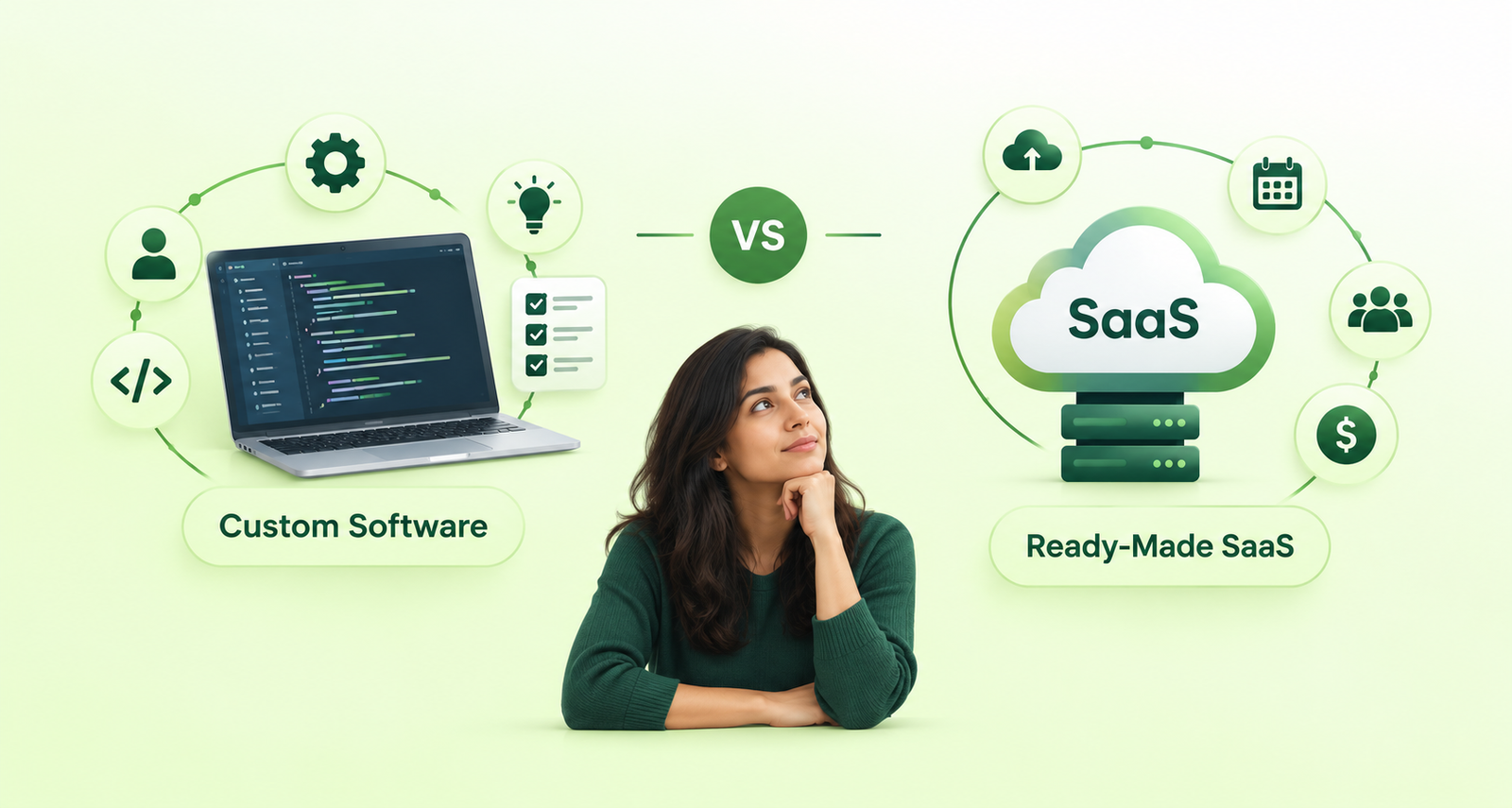
Custom software is not always the best option. Businesses should compare it with spreadsheet improvements and existing software before making a decision.
| Consideration | Spreadsheets | Ready-Made SaaS | Custom Software |
|---|---|---|---|
| Initial cost | Usually low | Usually low to moderate | Usually higher |
| Setup time | Short | Often short | Depends on scope |
| Flexibility | Good for simple tasks | Limited to supported features | Designed around specific needs |
| Automation | Formulas and scripts | Built-in workflows and integrations | Custom workflows and integrations |
| AI capabilities | Available through certain tools and integrations | Depends on the product | Can be selected for specific workflows |
| Scalability | Depends on file and workflow complexity | Depends on the provider and plan | Depends on architecture and implementation |
| Maintenance | File and formula management | Primarily provider-managed, with customer configuration | Requires ongoing technical maintenance |
| Best suited for | Simple tracking and analysis | Common business processes | Specialized or interconnected workflows |
When Should You Keep Using Spreadsheets?
Spreadsheets remain a sensible choice when:
- The process is straightforward and relatively stable.
- A small number of people need access.
- The consequences of an error are limited.
- Existing formulas and reports meet business requirements.
- Automation can be achieved with simple, maintainable improvements.
There is no reason to build an application merely to replace a spreadsheet that works well.
When Is Ready Made SaaS the Better Choice?
A ready made platform may be the best fit when your requirements are common and an established product already supports them.
Examples include standard CRM, accounting, payroll, project management, and customer support processes.
Before developing custom software, check whether the existing platform can be configured or extended to meet your needs.
When Does Custom Business Software Make Sense?
Consider custom development when your business has specialized workflows, complex integrations, specific access requirements, or recurring limitations that existing tools cannot reasonably address.
It can also be appropriate when several disconnected systems create operational problems that cannot be solved effectively through configuration alone.
AI should be added where it provides a clear benefit, rather than simply because the business is adopting new technology.
5. How Much Does AI Powered Custom Business Software Cost?
There is no single price for custom business software because costs depend on the scope, complexity, integrations, and level of automation required.
A small internal application with a few forms and dashboards is very different from a multi-department platform with advanced permissions, external integrations, and AI-assisted workflows.
The main cost factors include:
- Workflow complexity: The number of processes, rules, approvals, and user roles.
- Data migration: The quality, volume, and structure of existing spreadsheet data.
- Integrations: Connections to CRM, accounting, ERP, payment, or other business platforms.
- AI capabilities: Document processing, intelligent search, reporting assistants, or predictive features.
- Security requirements: Access controls, auditability, testing, and applicable compliance requirements.
- Ongoing costs: Hosting, software licenses, AI usage, maintenance, monitoring, and future improvements.
A practical approach is to begin with one high-impact workflow rather than attempting to replace every spreadsheet at once.
For example, a business might first automate its reporting process, then expand into approvals, integrations, and AI-assisted analysis after validating the initial system.
This phased approach helps the business assess the benefits before committing to a larger implementation.
6. How to Move From Spreadsheets to Custom Software
Replacing spreadsheets does not need to be a disruptive, all-at-once project. A structured transition can reduce risk and help your team adopt the new system gradually.
Step 1: Identify the Biggest Operational Bottleneck
List the spreadsheet-based processes your team uses and identify where the most time, errors, or delays occur.
Prioritize a problem that has a clear business impact and can be measured.
Step 2: Map the Existing Workflow
Document where information comes from, who updates it, which rules apply, and what happens next.
This is also an opportunity to remove unnecessary steps before automating the process.
Step 3: Evaluate Existing Tools First
Determine whether better spreadsheet practices, scripts, integrations, or a ready-made SaaS product can solve the problem.
Custom development is worth considering when these alternatives cannot meet your actual requirements efficiently.
Step 4: Define the Minimum Viable Product
Choose the essential features needed to solve the initial problem.
An MVP might include centralized records, user permissions, a basic dashboard, and a single automated workflow. AI capabilities can be introduced later or included from the beginning if they are central to the business case.
Step 5: Clean and Migrate Your Data
Remove duplicates, standardize formats, verify important records, and define how existing data will be transferred.
Data quality matters particularly when AI features depend on historical records or documents.
Step 6: Test With a Small Group
Run the new system alongside the existing process where appropriate. Compare results, collect feedback, and correct issues before broader adoption.
For important workflows, verify that access controls, data validation, backups, and recovery procedures work as expected.
Step 7: Measure Results and Expand Gradually
Track practical measures such as time spent preparing reports, manual entries avoided, error rates, processing times, and adoption.
Expand the application only after the initial workflow demonstrates sufficient value.
7. How to Choose the Right Development Partner
The quality of the software depends not only on the technology but also on how well the development team understands your business processes.
When evaluating a development partner, consider the following:
- Business analysis: Can the team understand your current workflows and identify unnecessary complexity?
- Technical fit: Can they recommend an appropriate architecture, integrations, and AI capabilities without overengineering?
- Data and security practices: Do they account for permissions, sensitive information, validation, and ongoing maintenance?
- Phased delivery: Can they deliver a useful first version and improve it based on feedback?
- Long-term support: Can they help maintain, monitor, and extend the application as your requirements evolve?
A reliable partner should explain both the benefits and the limitations of a proposed solution. The goal is to build software that solves a real business problem, not to introduce technology that your team does not need.
At BinaryGrace, we work across custom software development, web applications, and AI driven solutions to help businesses build and improve digital systems around their operational requirements.
If your team is spending too much time managing spreadsheets and disconnected tools, the first step is to identify which process would benefit most from automation.
Thinking about moving beyond spreadsheets? Contact BinaryGrace to discuss your business workflows and explore whether process automation, custom software, or AI-powered features could help your business work more efficiently.